
Screenshots
Official App
This is the original, unmodified version of the application. It is completely safe and exact to the official release.
Description
What is CapCut?
CapCut is a powerful, user-friendly video editing application developed by ByteDance, the company behind TikTok. Launched in 2020, it has quickly become one of the most popular tools for creators worldwide, especially those producing short-form content for platforms like TikTok, Instagram Reels, and YouTube Shorts. Available on mobile (iOS and Android), desktop, and as a web-based online editor, CapCut offers a seamless experience for both beginners and experienced editors.
Whether you are a social media influencer, YouTuber, or casual video maker, CapCut provides professional-level editing capabilities without the steep learning curve of traditional software. Its intuitive interface, vast library of effects, and advanced AI tools make it an excellent choice for creating engaging videos efficiently.
What is CapCut?
CapCut is a free all-in-one video editor designed to simplify the video creation process. It started as a mobile app tailored for vertical short videos but has expanded into a full cross-platform tool. The app supports high-resolution editing, including 4K exports, and includes everything from basic trimming to complex animations and generative AI features.
One of its biggest advantages is accessibility. You can download it from the App Store, Google Play, or use the web version directly at capcut.com without installing anything. The desktop version offers even more advanced controls for users who prefer working on a larger screen.
CapCut stands out because it integrates directly with TikTok, allowing easy export and sharing. However, it works equally well for other platforms, making it versatile for different content needs.
How Does CapCut Work?
Getting started with CapCut is straightforward. Here is a basic step-by-step overview of the editing workflow:
- Import Your Media: Open the app or web editor and import videos, photos, or audio clips from your device, cloud storage, or CapCut’s built-in stock library.
- Arrange on the Timeline: Drag and drop your clips onto the timeline. You can easily trim, split, or reorder them to build your story.
- Add Effects and Transitions: Choose from thousands of transitions, filters, and visual effects. Keyframe animation allows you to create smooth movements and zooms.
- Enhance with Text and Audio: Add animated text, subtitles, stickers, or music from CapCut’s royalty-free library. Auto-generated captions save time and improve accessibility.
- Apply AI Tools: Use artificial intelligence features to speed up editing.
- Export and Share: Preview your project, adjust quality settings, and export in various resolutions.
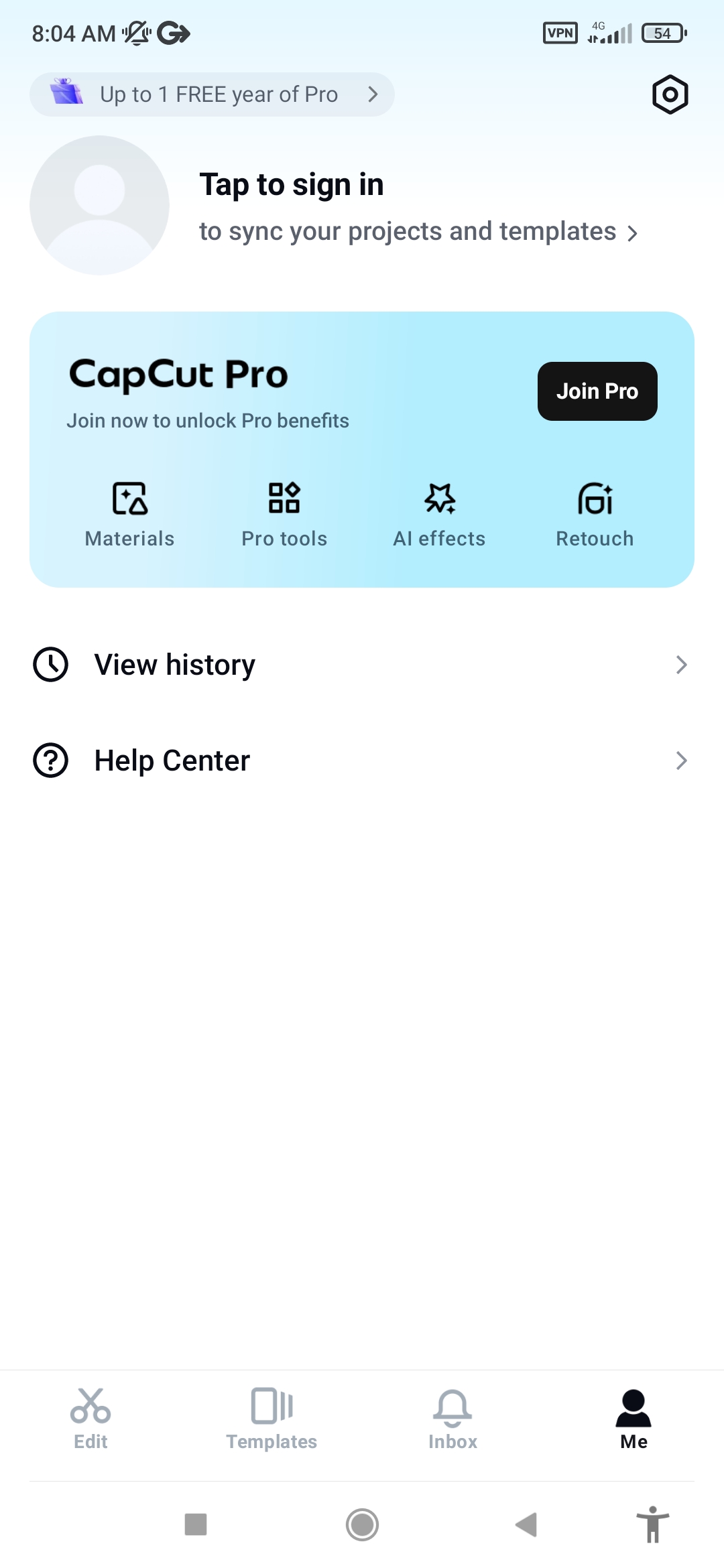
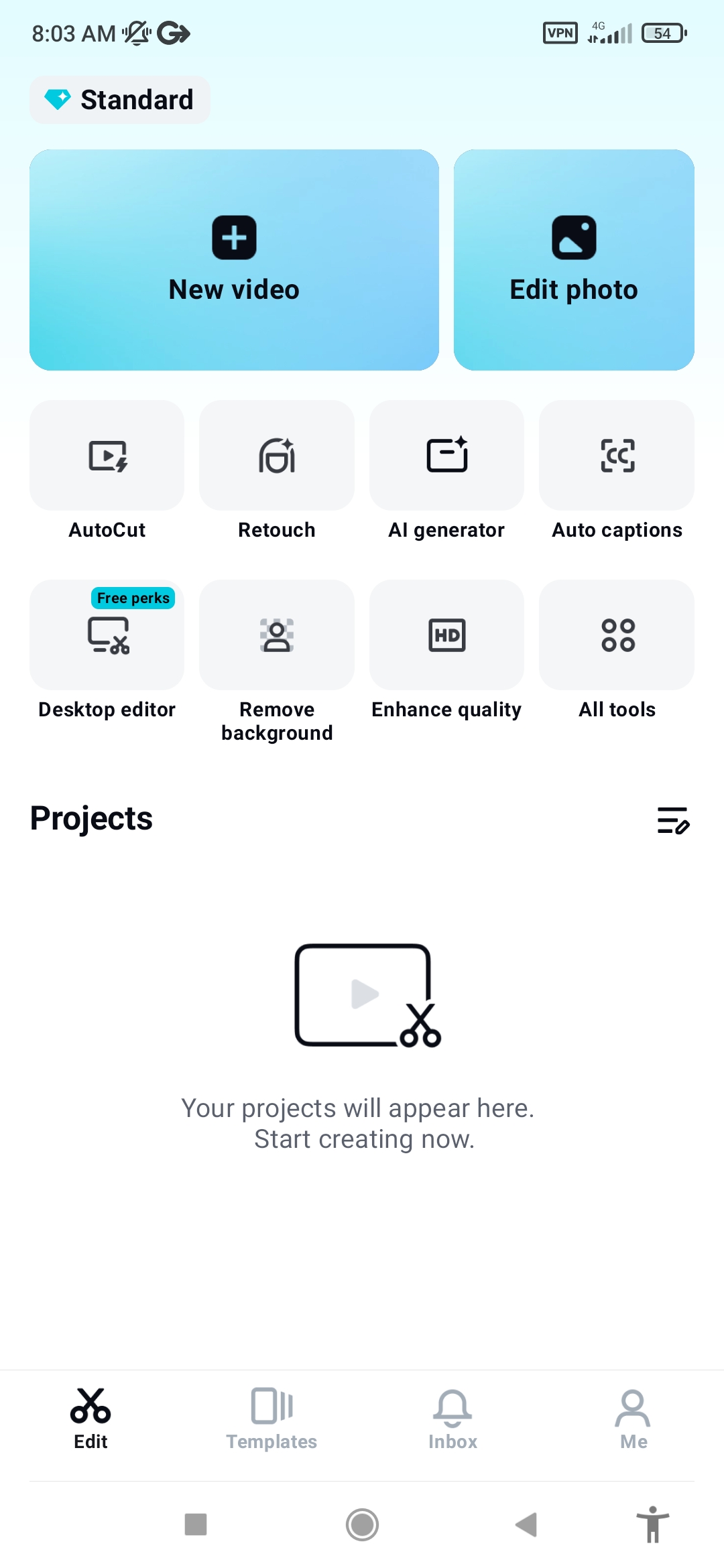
The interface features a clean layout with tabs for editing, effects, text, audio, and more. On mobile, touch gestures make adjustments quick, while the desktop version includes precise mouse controls and shortcuts.
For beginners, CapCut offers ready-made templates that apply professional styles with just a few taps. You simply replace the placeholder media with your own clips, and the app handles the rest.
Key Features of CapCut
CapCut comes packed with tools that rival paid professional software. Here are some of its standout features:
- AI-Powered Editing Tools: Advanced AI integration including auto captions, AI color correction, background removal, motion tracking, voice enhancement, and AI video generation tools.
- Extensive Template Library: Thousands of trending templates for viral effects, transitions, and styles perfect for social media in 2026.
- Rich Effects and Filters: A huge collection of visual effects, stickers, animations, 3D transitions, speed ramps, and beat-sync features.
- Audio Tools: Extract audio, reduce noise, add voiceovers, text-to-speech, and a large royalty-free music library.
- Keyframing and Animations: Create professional animations by setting keyframes for position, scale, rotation, and opacity.
- Cloud Collaboration: Save projects to the cloud and work across multiple devices.
- High-Quality Export: Export up to 4K resolution with easy optimization for social platforms.
Why Creators Love CapCut
The combination of being mostly free, easy to learn, and packed with modern AI makes CapCut ideal for content creators aiming to grow on social media. Many users produce high-quality YouTube videos, Reels, and Shorts faster than with traditional editors.
While a Pro version exists for unlocking extra assets, storage, and advanced AI uses, the free tier remains generous enough for most hobbyists and semi-professionals.
Final Thoughts
CapCut has evolved into a comprehensive Ai powered video editing platform that democratizes professional content creation. Its simple yet powerful tools allow anyone to turn raw footage into polished, engaging videos in minutes.
If you are looking to start video editing or upgrade your current workflow, download CapCut today from the official website or app stores. Experiment with templates and AI features to discover how quickly you can create standout content.
Whether for personal memories, business promotions, or viral social media posts, CapCut delivers the speed, creativity, and quality modern creators need.


Quick Login to Comment