
Screenshots
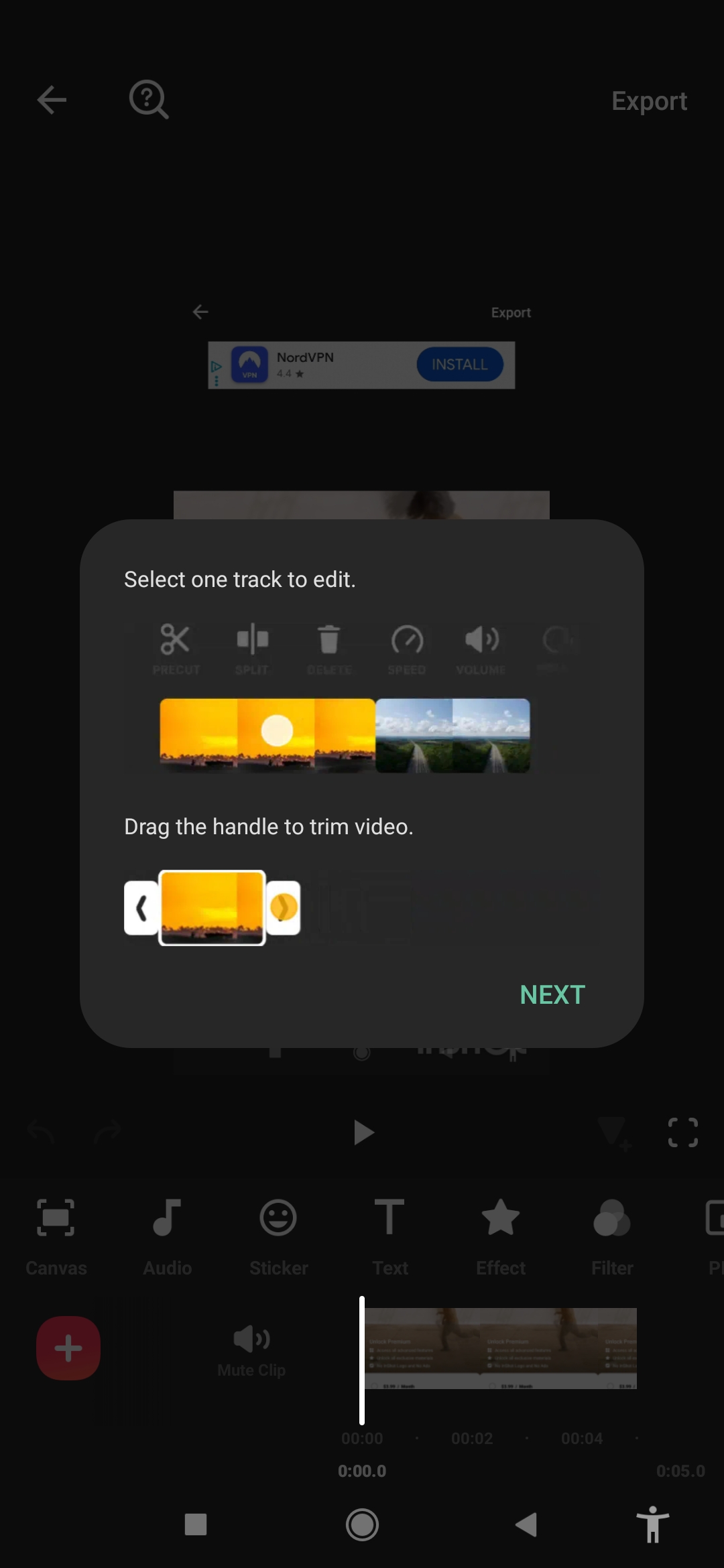
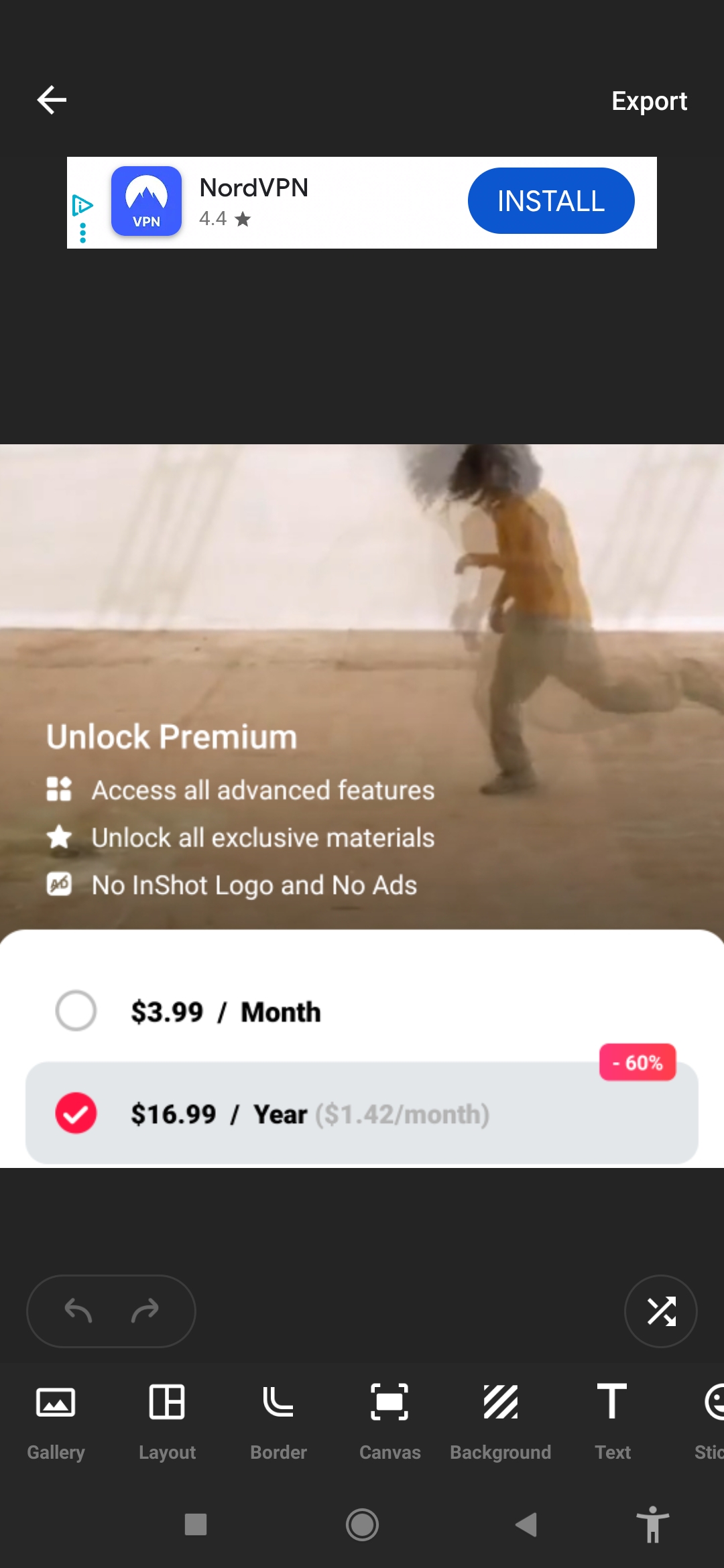
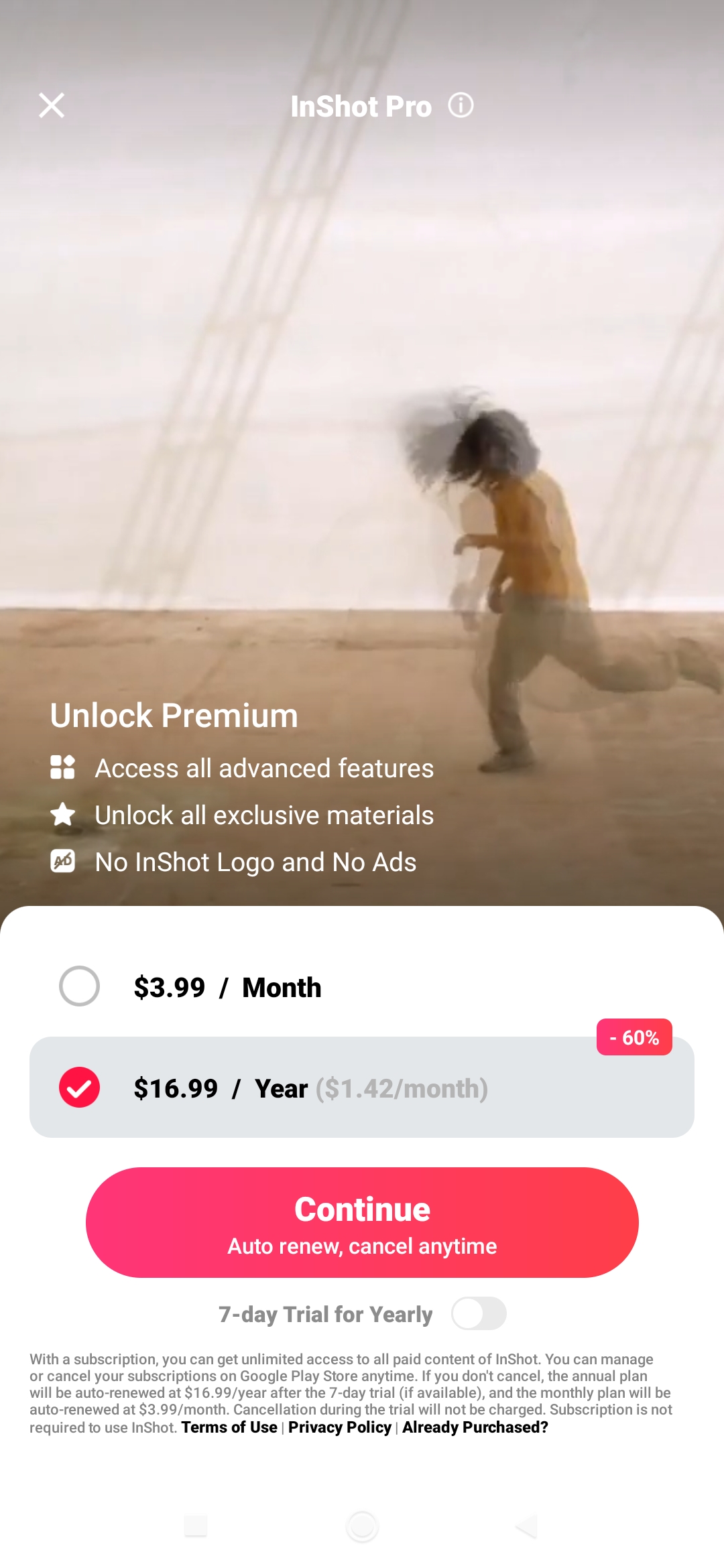
Official App
This is the original, unmodified version of the application. It is completely safe and exact to the official release.
Description
What is InShot?
InShot is a popular, easy-to-use video and photo editing application available on both iOS and Android. Launched as a simple mobile editor, it has grown into a powerful all-in-one tool that millions of creators rely on for making high-quality content for Instagram Reels, TikTok, YouTube Shorts, and other social media platforms.
Whether you are a beginner or a seasoned content creator, InShot offers professional-level editing features with an intuitive interface that requires no steep learning curve. It supports video trimming, effects, music, text, and modern AI tools, making it perfect for quick yet polished edits directly from your smartphone.
What is InShot?
InShot is a free video editor and maker that combines powerful editing tools with simplicity. Originally focused on mobile editing, it now includes advanced features like AI-powered tools, keyframe animations, and high-resolution exports up to 4K.
The app is especially loved for its clean design and fast workflow. You can download it from the Apple App Store or Google Play Store. While the free version includes a watermark on exports, upgrading to InShot Pro removes it and unlocks additional effects, music, and storage options.
InShot excels at creating vertical videos for social media, photo collages, and stylish stories, but it also handles longer videos effectively.
How Does InShot Work?
Starting with InShot is very straightforward. Here is a simple step-by-step guide to the editing process:
- Import Your Media: Open the app and select Video, Photo, or Collage. Import clips or images from your gallery or camera roll.
- Edit on the Timeline: Trim, split, merge, or reorder your clips. Adjust speed, add slow motion, or reverse video easily.
- Add Effects and Transitions: Choose from hundreds of filters, transitions, and visual effects. Apply smooth fades or trendy glitch effects.
- Enhance with Text, Music & Stickers: Add animated text, subtitles, emojis, or exclusive stickers. Import your own music or choose from InShot’s royalty-free library.
- Use AI Tools: Take advantage of Auto Captions, AI effects, background removal, and smart tracking for faster, more professional results.
- Export and Share: Preview your project, choose resolution (up to 4K), and export. Remove the watermark with Pro or share directly to social apps.
The interface is clean and beginner-friendly, with all main tools accessible from the bottom menu. Touch gestures make adjustments quick and precise on mobile devices.
For even faster results, InShot provides ready-made templates and presets that let you apply stylish edits with just a few taps.
Key Features of InShot
InShot packs a wide range of tools that help creators produce engaging content quickly. Here are its most popular features in 2026:
- AI-Powered Tools: Auto Captions in multiple languages, AI Body Effects, Auto Background Removal, Smart Tracking, and instant AI presets that enhance videos and photos with one tap.
- Professional Video Editing: Trim, merge, split, reverse, speed ramping, keyframe animations, Picture-in-Picture (PIP), and Chroma Key (green screen).
- Rich Effects Library: Cinematic filters, transitions, shake effects, glitter, blur, 3D effects, and many more trendy options.
- Audio Tools: Add royalty-free music, sound effects, record voice-overs, extract audio, and apply voice effects with fade in/out.
- Text & Stickers: Beautiful animated text, fonts, emojis, and exclusive InShot stickers to make your videos more engaging.
- Photo Editing & Collage: Edit photos, adjust brightness/contrast, create beautiful collages, and design Instagram story covers.
- High-Quality Export: Export in up to 4K resolution with options for frame rate and quality optimized for social media.
Why Creators Love InShot in 2026
InShot remains a favorite for many because of its balance between simplicity and power. Its clean interface makes it ideal for beginners who want professional-looking results without complexity, while advanced tools like keyframes and AI features satisfy more experienced users.
The app performs smoothly on most devices and allows fast editing sessions perfect for daily social media content. Although a Pro subscription is available for removing the watermark and accessing premium assets, the free version is still very capable for casual and semi-professional creators.
Note: Always check the app’s terms of service when using edited videos for monetized content on platforms like YouTube to ensure full compliance with AdSense and other program requirements.
We conclude
InShot has established itself as one of the most reliable and user-friendly mobile video editors available today. Its combination of intuitive controls, creative effects, and helpful AI tools makes it easy for anyone to transform raw footage into polished, eye-catching videos.
If you are looking for a straightforward yet powerful editor for Reels, Shorts, Stories, or even longer videos, InShot is an excellent choice. Download it today from the App Store or Google Play and start creating stunning content in minutes.
Whether for personal memories, business promotions, or growing your social media presence, InShot delivers the speed, quality, and creativity that modern creators need.


Quick Login to Comment