
Screenshots
Official App
This is the original, unmodified version of the application. It is completely safe and exact to the official release.
Description
Why Download WhatsApp for Android?
As a free, cross-platform messaging service, WhatsApp uses your phone’s internet connection (4G/5G/Wi-Fi) to let you message and call friends and family. By downloading the latest WhatsApp version, you gain access to the most recent security patches and innovative features that enhance user privacy and engagement.
Key Features of WhatsApp Latest Version:
End-to-End Encryption: Your messages and calls are secured, meaning only you and the person you’re communicating with can read or listen to them.
High-Quality Media Sharing: Send photos, videos, and documents up to 2GB in size without losing quality.
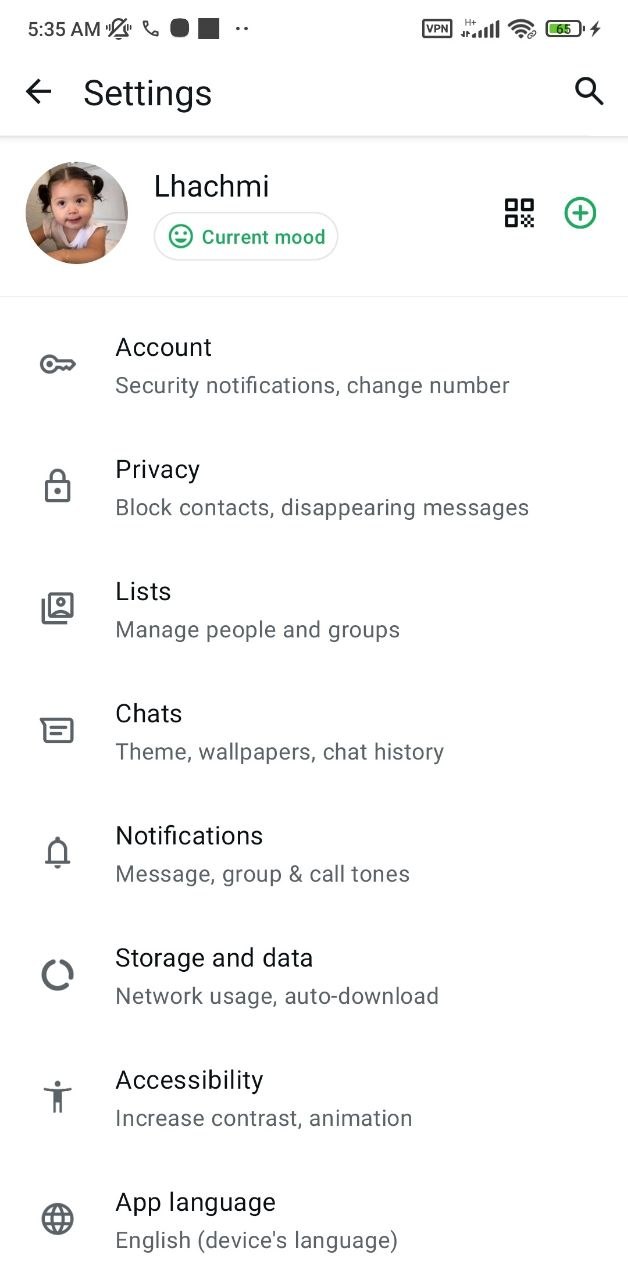
Enhanced Privacy Controls: Hide your “Online” status, silence unknown callers, and use “Chat Lock” to keep your private conversations behind a fingerprint or PIN.
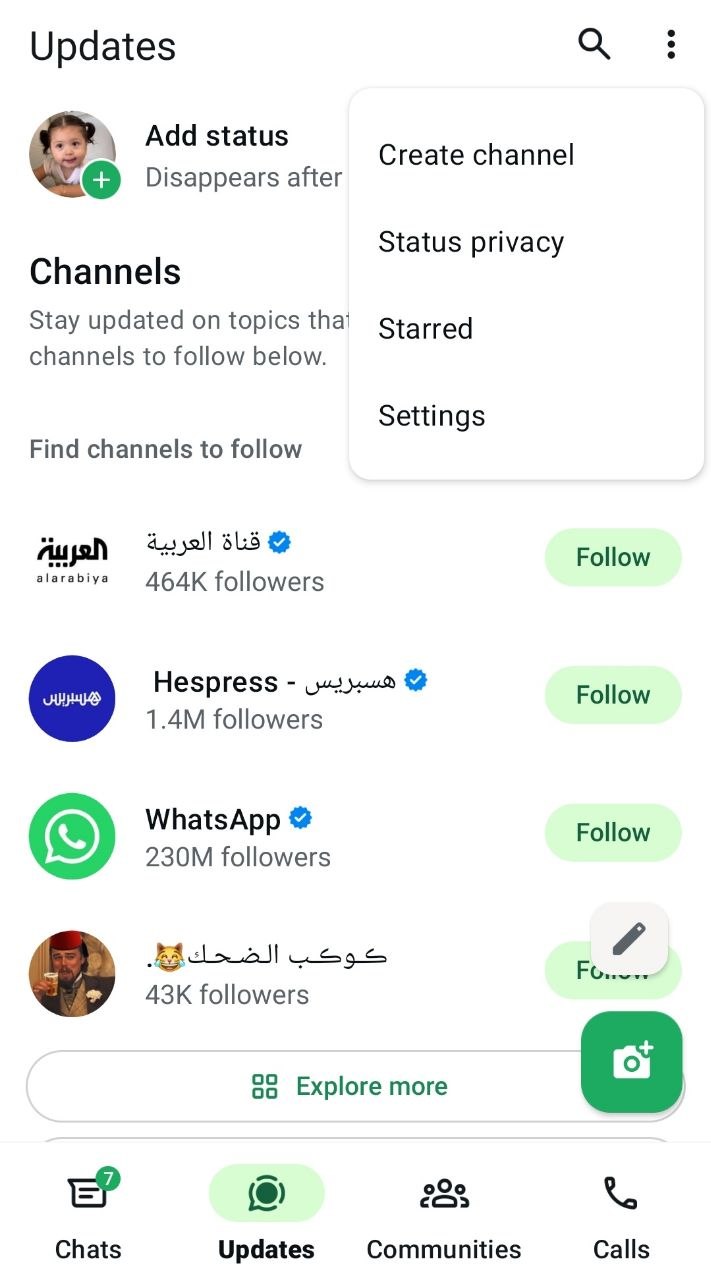
WhatsApp Channels: Stay updated with your favorite celebrities, sports teams, and news organizations directly within the app.
How to Download and Install WhatsApp APK on Android
To ensure you have a safe and official experience, follow these simple steps to install the WhatsApp Messenger APK:
- Get the File: Click the Download Button above to start the WhatsApp APK download process.
- Enable Unknown Sources: If you are installing an APK for the first time, go to Settings > Security and enable “Install from Unknown Sources”.
- Run the Setup: Locate the downloaded file in your “Downloads” folder and tap it to begin installation.
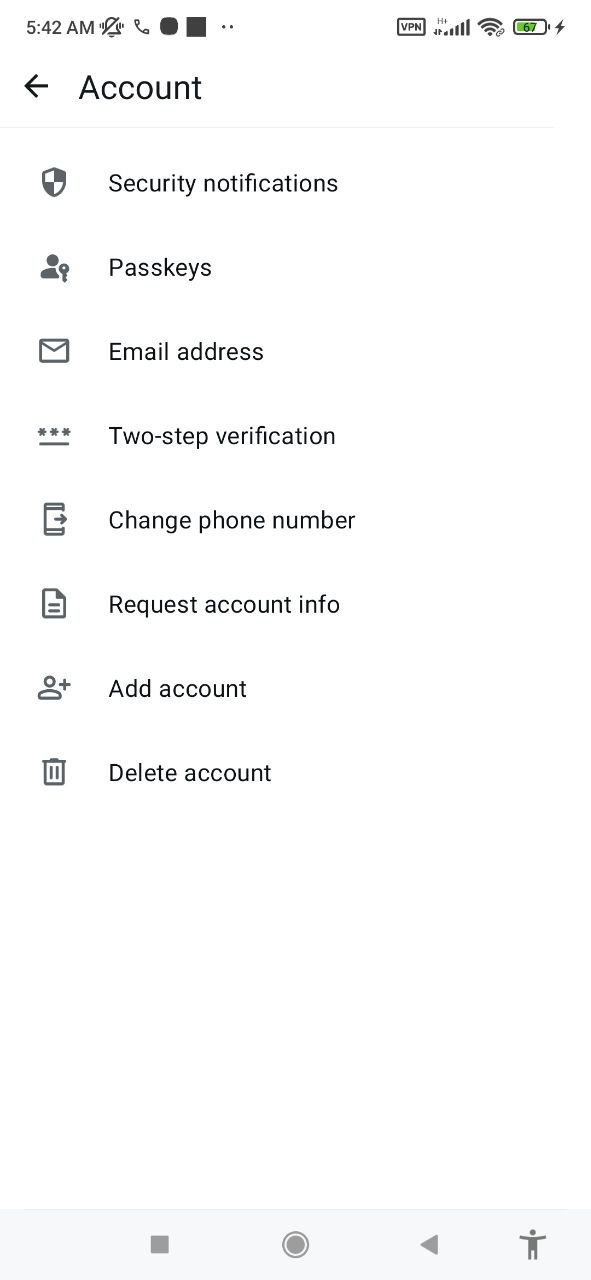
- Verify Your Number: Open the app, enter your phone number, and verify it via the SMS code provided.
- Restore Backup: If you have a previous backup on Google Drive, you can restore your chats during the setup process.
Frequently Asked Questions (FAQ)
1. Is it safe to download the WhatsApp APK?
Yes, the version provided on our site is the original and official package from Meta. We scan every file using advanced security tools to ensure it is free from malware.
2. Can I use WhatsApp on two phones?
Yes, WhatsApp now allows you to link up to four devices to one account, including multiple Android phones.
3. Does WhatsApp work without a SIM card?
You need a SIM card to receive the initial verification SMS. Once the account is verified, you can use WhatsApp over Wi-Fi even without a SIM card in the device.


Quick Login to Comment